Total Design Management
HyPneu's unique software product line is designed to work together for the ultimate simulation experience.
- Practical
- Precise
- Powerful
- Versatile
Qualified Personnel
HyPneu's software developers include a team of individuals which include two Ph. D.'s comprising over 100 years of technical and programming experience in the power and motion control industry. Their knowledge in this industry is unsurpassed and is sought out by many of the world's most important companies.
A Circle of Knowledge
Among our many resources is a valuable research archive that extends over 50 years, a vast variety of technical advisors in the industry, and an intimate understanding of standard engineering practices. This knowledge base provides the foundation for the HyPneu software and the numerous books published by BarDyne. For more information, check out our complete collection in BarDyne's Bookstore.
Comprehensive PLC and ISO Animated Shapes for Automation
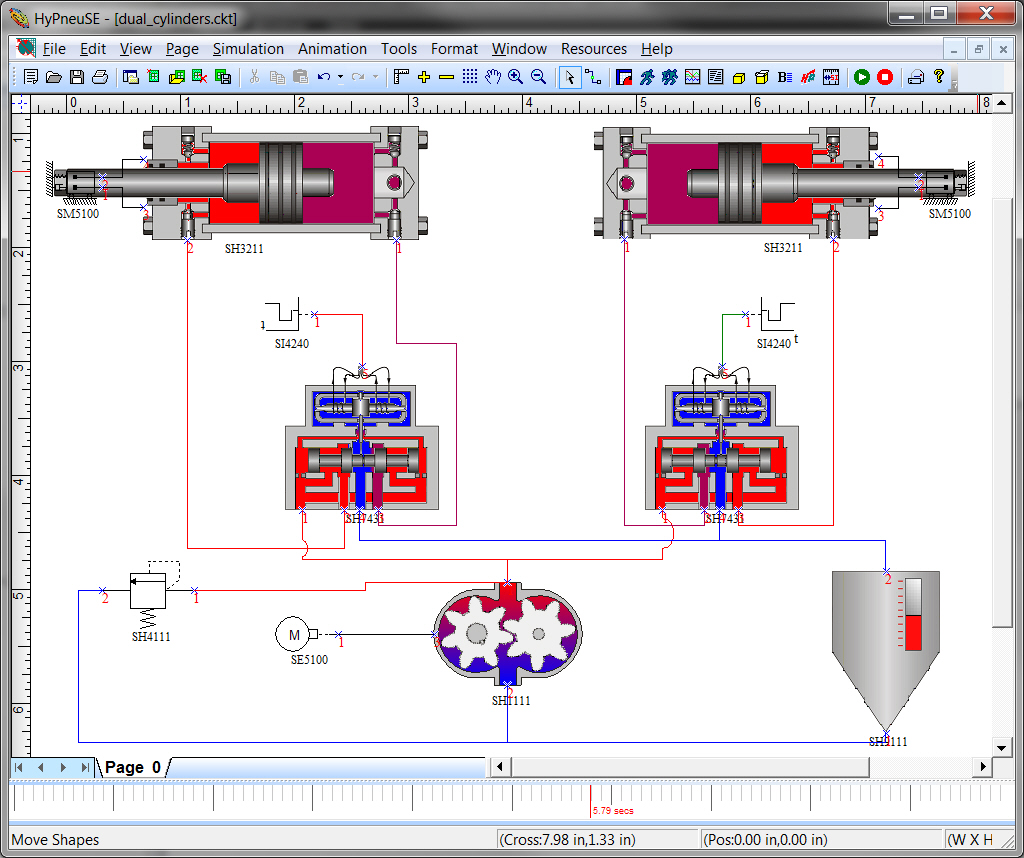
HyPneu developers never stop. PLC and animated ISO symbols are now a standard part of the model library. Pick from any number of symbols to include in your animated circuit. Even use the circuit to control hardware or assume a virtual role as a PLC in an automated system.
Drawing Interface
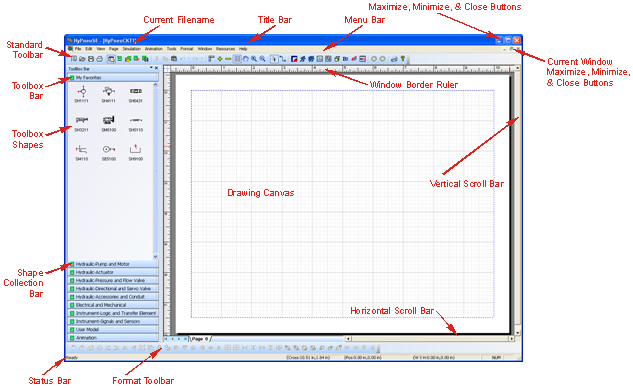
Take advantage of a new drawing program in V12 that provides unique flexibility to create professional graphical representations of your system. The new interface includes libraries of all kinds, ready-to-use shapes and drawings, including more than 500 ISO symbols. Many new toolbars and features are available for a variety of actions including snap, viewing, and connecting shapes. The new interface allows the connections to stay connected to the shape while the shape is being dragged around. Also, add graphics and CAD drawings to illustrate critical system components on the circuit.
Universal Valve Builder
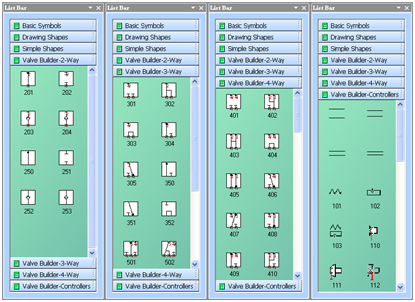
With the Universal Valve Builder (UVB) building blocks, the user can create a nearly endless combination of valve configurations. The combination of provided building blocks allows the users to customize hydraulic or pneumatic directional and servo control valves to create unique designs without writing a single line of code. Add any type of controller for manual or solenoid operated valves. Once the valve is built in the Shape Designer, easily transfer the valve into the schematic for drawing purposes, or simulation needs. the valved also animate with Process Animation.

Contamination Control Simulator
To account for the effects of contamination on a system, the new contamination simulator allows the user to enter the anticipated cleanliness level of the fluid utilized by the system. From this cleanliness level, the number of particles of each specific size is calculated per unit volume. Next, utilizing user-defined contaminant sensitivity indices, the performance degradation experienced by each component, seen as a change in the critical performance parameter, can be simulated over a finite period of time and the resulting service life can be predicted.
User Animation
HyPneu Process Animator (PA) allows for the user to create their own shapes to be animated in a circuit. User animation now allows for unlimited amounts of animation object that can be used in a circuit. The user can create the actual graphical design of the component/shape made in Shape Designer from images or CAD drawings. The user also has the ability to create C program to handle the interactions between the data and shape. HyPneu uses Window???s DLL feature for loading compiled code at run-time.
HyPneu Viewer
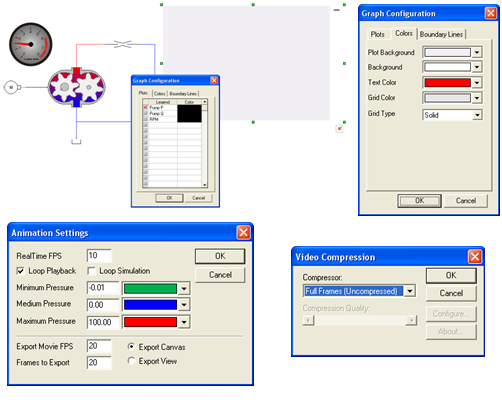
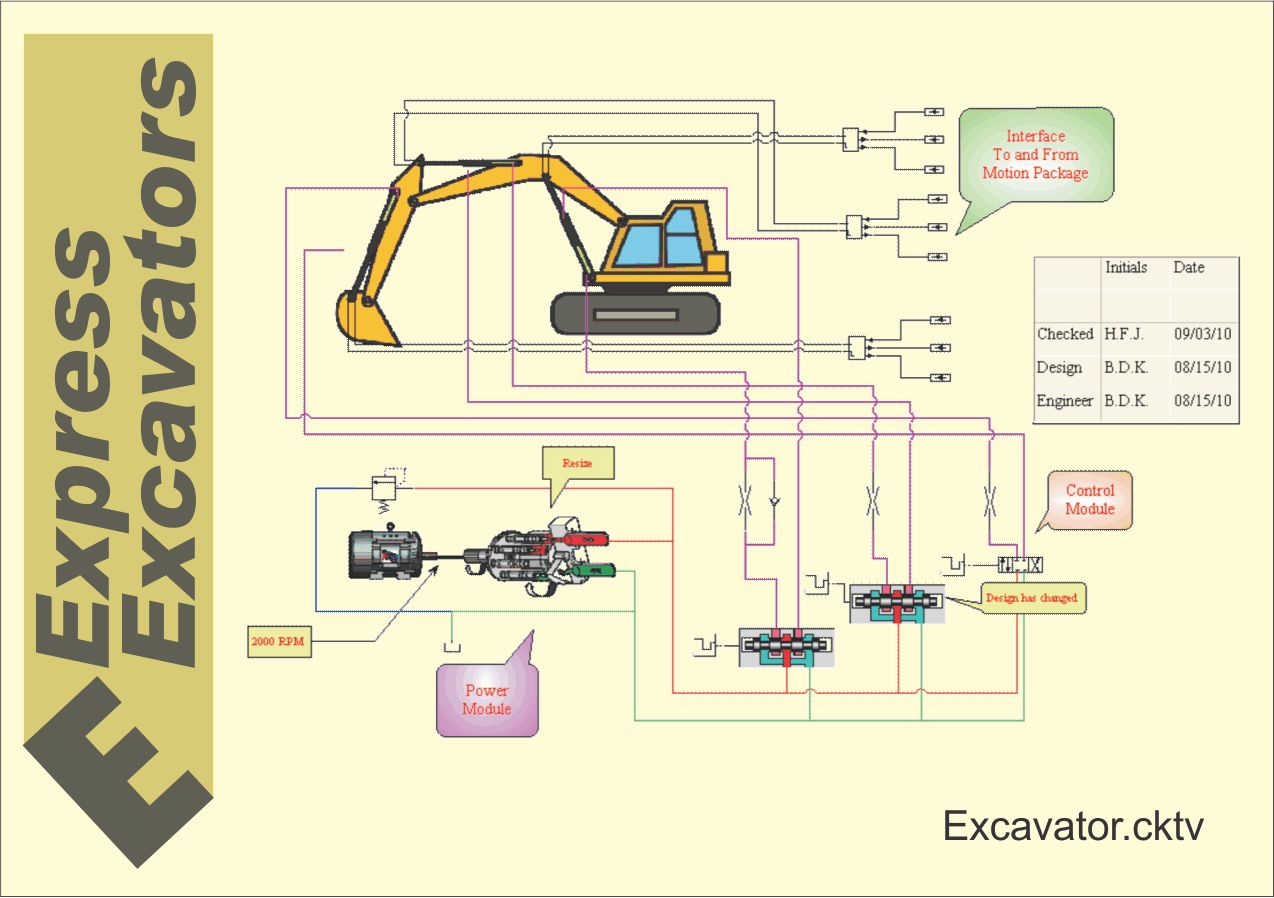
After designing or analyzing a circuit, users can share their progress with colleagues using the new HyPneu Viewer by saving the file in HyPneu Viewer format. After downloading a free copy of HyPneu Viewer, your team members will be able to open, edit, print, mark up, and promote your design to optimize the outcome.
Quick Connections
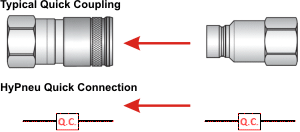
Most simulation designs do not require all components; however, they all should be included in the schematic for designers to know these components exist. An example is quick couplings. The user will link icons and shapes together using quick connections. Quick connections can be implemented across multiple pages for simulation and analysis; imperative for large circuits. Simply split the circuit into different pages-such as the power pack on one page and the manifold on another-and simulate one page or multiple pages using this function. HyPneu's intelligence automatically by-passes the quick coupling in simulation without slowing the simulation time down.